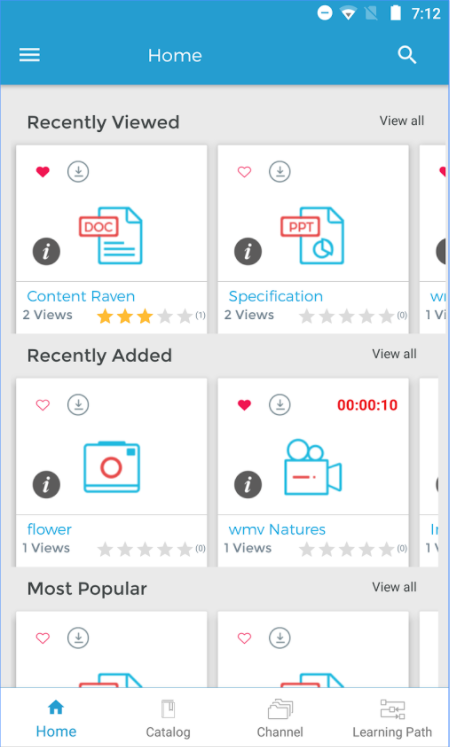
For the best mobile viewing experience, please download our mobile app. The app provides access to all of your content and also offers the ability to download content for offline viewing. To start using the mobile app, please follow the below steps. Or, Continue in your mobile browser
- Create a password using the form below and click 'Submit'. Please note the email address below, which will be your username for the mobile app.
- Once your email address and password are confirmed, you will be brought directly to your app store.
- Download and install the Content Raven app from the app store.
- Launch the Content Raven app and login using the email address and password you provided.
For the best mobile viewing experience, please view this content in the Content Raven mobile app. Launch MobileApp